

Introduction
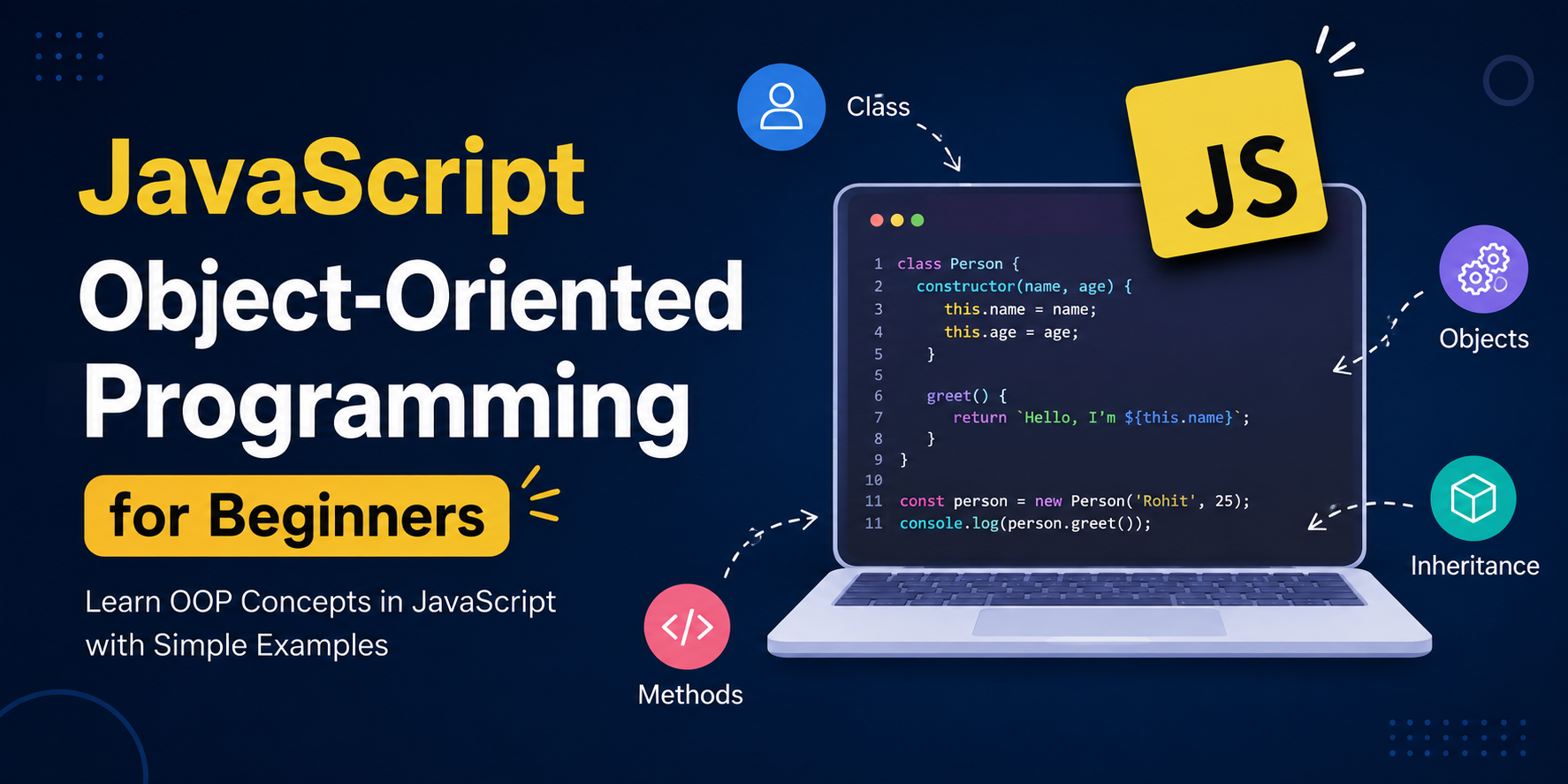
JavaScript is often taught as a scripting language for buttons and forms. Under the hood, though, almost everything you work with is an object. Object-Oriented Programming (OOP) is a way of organizing code around those objects—grouping related data and behavior so your programs stay easier to read, reuse, and grow.
In this beginner guide you will learn what objects are, how to create them, what the four OOP pillars mean in plain English, how constructor functions and ES6 classes work, and how to apply it all in a small real-world library system. By the end, you should feel comfortable writing simple classes and explaining why OOP helps in everyday projects.
What is an object in JavaScript?
An object is a collection of related information (properties) and actions (methods). Think of a smartphone:
- Properties describe it: brand, model, battery level
- Methods are things it can do: call, send a message, take a photo
In JavaScript that idea looks like this:
const phone = {
  brand: "Samsung",
  model: "Galaxy S24",
  battery: 85,
  makeCall(number) {
    return `Calling ${number} from ${this.brand} ${this.model}...`;
  },
  charge(amount) {
    this.battery = Math.min(100, this.battery + amount);
    return `Battery is now ${this.battery}%`;
  }
};

console.log(phone.makeCall("9876543210"));
console.log(phone.charge(10));brand, model, and battery are data. makeCall and charge are behavior. OOP starts with keeping those two together.
Creating objects (basic ways)
Beginners usually meet three approaches.
1. Object literal (most common for one-off objects)
const user = {
  name: "Aisha",
  email: "aisha@example.com",
  isActive: true
};
2. new Object() (rarely needed)
const user = new Object();
user.name = "Aisha";
user.email = "aisha@example.com";
This does the same job as a literal, with more typing. Prefer the literal form.
3. Factory function (useful when you need many similar objects)
function createProduct(name, price) {
  return {
    name,
    price,
    getLabel() {
      return `${this.name} - ₹${this.price}`;
    }
  };
}

const laptop = createProduct("Laptop", 55000);
const mouse = createProduct("Mouse", 799);

console.log(laptop.getLabel()); // Laptop - ₹55000
console.log(mouse.getLabel());  // Mouse - ₹799
A factory returns a new object each time you call it. That pattern leads naturally into constructors and classes.
The four pillars of OOP (beginner view)
Classical OOP is built on four ideas. JavaScript supports all of them, sometimes with its own style.
1. Encapsulation
Keep data and the functions that use that data in one place. A shopping cart should own its items and expose clear actions like addItem instead of letting every file poke at an array directly.
2. Abstraction
Hide messy details and show a simple interface. When you call phone.makeCall(), you do not need to know how the radio hardware works—only what the method expects and returns.
3. Inheritance
Build new types on top of existing ones so you reuse shared behavior. A PremiumUser can inherit login logic from User and only add extra features.
4. Polymorphism
Different objects respond to the same method name in their own way. Both EmailNotifier and SmsNotifier might have send(), but each sends through a different channel.
You do not need deep theory on day one. Treat these pillars as design goals while you practice objects and classes.
Constructor functions (classic style)
Before ES6 classes, JavaScript used constructor functions with the new keyword to create many similar objects from one blueprint.
function BankAccount(owner, balance = 0) {
  this.owner = owner;
  this.balance = balance;
}

BankAccount.prototype.deposit = function (amount) {
  if (amount <= 0) {
    throw new Error("Deposit must be positive");
  }
  this.balance += amount;
  return this.balance;
};

BankAccount.prototype.withdraw = function (amount) {
  if (amount > this.balance) {
    throw new Error("Insufficient balance");
  }
  this.balance -= amount;
  return this.balance;
};

const account = new BankAccount("Punam", 1000);
account.deposit(500);
account.withdraw(200);
console.log(account.balance); // 1300
What new does for you:
- Creates a new empty object
- Sets
thisto that object inside the constructor - Links the object to
BankAccount.prototype - Returns the object (unless you return another object yourself)
Important: call constructors with new. Without it, this may point to the wrong place and properties will not attach to a new instance.
ES6 classes — modern OOP syntax
Classes are clearer syntax for the same prototype-based model. The bank account example becomes:
class BankAccount {
  constructor(owner, balance = 0) {
    this.owner = owner;
    this.balance = balance;
  }

  deposit(amount) {
    if (amount <= 0) {
      throw new Error("Deposit must be positive");
    }
    this.balance += amount;
    return this.balance;
  }

  withdraw(amount) {
    if (amount > this.balance) {
      throw new Error("Insufficient balance");
    }
    this.balance -= amount;
    return this.balance;
  }
}

const account = new BankAccount("Punam", 1000);
account.deposit(500);
console.log(account.owner); // Punam
A class is still built on prototypes behind the scenes. For beginners, that mainly means: write class, use constructor for setup, and put shared methods inside the class body.
Properties and methods in practice
Here is a small shopping cart you might sketch for an online store.
class ShoppingCart {
  constructor() {
    this.items = [];
  }

  addItem(name, price, quantity = 1) {
    const existing = this.items.find((item) => item.name === name);

    if (existing) {
      existing.quantity += quantity;
    } else {
      this.items.push({ name, price, quantity });
    }
  }

  removeItem(name) {
    this.items = this.items.filter((item) => item.name !== name);
  }

  get total() {
    return this.items.reduce(
      (sum, item) => sum + item.price * item.quantity,
      0
    );
  }

  summary() {
    return this.items
      .map((item) => `${item.name} x${item.quantity}`)
      .join(", ");
  }
}

const cart = new ShoppingCart();
cart.addItem("Notebook", 120, 2);
cart.addItem("Pen", 20, 5);
cart.addItem("Notebook", 120, 1); // quantity becomes 3

console.log(cart.summary()); // Notebook x3, Pen x5
console.log(cart.total);     // 460
Notice get total(): that is a getter. You read it like a property (cart.total), but it calculates a fresh value each time. That is a simple form of abstraction—callers get the total without knowing the reduce logic.
The this keyword (practical basics)
Inside a method, this usually refers to the object that owns the method. In the cart example, this.items means “the items on this cart instance.”
A common beginner trap is losing this when you pass a method as a callback:
class Counter {
  constructor() {
    this.count = 0;
  }

  increment() {
    this.count += 1;
    console.log(this.count);
  }
}

const counter = new Counter();

// Works
counter.increment();

// Breaks in many cases: `this` is no longer the counter
setTimeout(counter.increment, 1000);
Simple fixes for beginners:
- Wrap the call:
setTimeout(() => counter.increment(), 1000) - Or bind it:
setTimeout(counter.increment.bind(counter), 1000)
Remember: this depends on how a function is called, not only where it was written.
Prototypes — the idea behind inheritance
Every object can link to another object called its prototype. If JavaScript does not find a property on the object itself, it looks up the chain.
class Animal {
  speak() {
    return "Some sound";
  }
}

class Dog extends Animal {
  speak() {
    return "Woof!";
  }
}

const dog = new Dog();
console.log(dog.speak()); // Woof!
console.log(Object.getPrototypeOf(dog) === Dog.prototype); // true
Why this matters: methods on the prototype are shared by all instances. One hundred dogs do not need one hundred separate copies of speak in memory—they share the method on Dog.prototype.
For now, remember: extends connects child classes to parent behavior, and the prototype chain is how JavaScript looks up that behavior.
Real-world mini project: library book system
Let us build a tiny library. Books can be added, borrowed, and returned. This ties together classes, methods, and simple rules.
class Book {
  constructor(title, author) {
    this.title = title;
    this.author = author;
    this.isAvailable = true;
  }

  info() {
    const status = this.isAvailable ? "Available" : "Borrowed";
    return `"${this.title}" by ${this.author} — ${status}`;
  }
}

class Library {
  constructor(name) {
    this.name = name;
    this.books = [];
  }

  addBook(title, author) {
    const book = new Book(title, author);
    this.books.push(book);
    return book;
  }

  findBook(title) {
    return this.books.find(
      (book) => book.title.toLowerCase() === title.toLowerCase()
    );
  }

  borrowBook(title) {
    const book = this.findBook(title);

    if (!book) {
      return `Sorry, "${title}" is not in ${this.name}.`;
    }

    if (!book.isAvailable) {
      return `"${book.title}" is already borrowed.`;
    }

    book.isAvailable = false;
    return `You borrowed "${book.title}". Enjoy reading!`;
  }

  returnBook(title) {
    const book = this.findBook(title);

    if (!book) {
      return `Sorry, "${title}" is not in ${this.name}.`;
    }

    if (book.isAvailable) {
      return `"${book.title}" was not borrowed.`;
    }

    book.isAvailable = true;
    return `Thanks for returning "${book.title}".`;
  }

  listAvailable() {
    return this.books
      .filter((book) => book.isAvailable)
      .map((book) => book.info());
  }
}

// Try it
const cityLibrary = new Library("City Central Library");

cityLibrary.addBook("Atomic Habits", "James Clear");
cityLibrary.addBook("Clean Code", "Robert C. Martin");
cityLibrary.addBook("Eloquent JavaScript", "Marijn Haverbeke");

console.log(cityLibrary.borrowBook("Clean Code"));
console.log(cityLibrary.borrowBook("Clean Code")); // already borrowed
console.log(cityLibrary.returnBook("Clean Code"));
console.log(cityLibrary.listAvailable());
What this example practices:
- Encapsulation — book status lives on the
Book; borrow/return rules live onLibrary - Abstraction — callers use
borrowBook("Clean Code")without managing flags manually - Multiple instances — you can create another
Library("College Library")with its own books
Try extending it: track who borrowed a book, add due dates, or prevent duplicate titles.
Common beginner mistakes
- Forgetting
new—BankAccount("Punam")withoutnewwill not create a proper instance. - Confusing references with copies — assigning
const cart2 = cart1does not clone the cart; both variables point to the same object. - Mutating shared data by accident — if every product shares one nested settings object, changing one product can change all of them.
- Putting everything in one giant object — split responsibilities (like
BookvsLibrary) so each class has one clear job. - Ignoring errors — validate inputs early (negative prices, empty titles) so bugs fail loudly instead of silently corrupting state.
Conclusion
JavaScript OOP begins with a simple idea: group related data and behavior into objects. Object literals are perfect for one-off values. Factory functions, constructor functions, and especially ES6 classes help you create many similar objects from one blueprint. The four pillars—encapsulation, abstraction, inheritance, and polymorphism—are design guides, not buzzwords. The library mini project shows how those ideas look in a small but realistic feature.
Practice by rewriting one of your scripts as a class, or by extending the library with members and borrow history. When you are ready for private fields, deeper prototypes, composition, and design patterns, continue with the advanced JavaScript OOP guide.
Quick checklist: know what an object is → create objects with literals and classes → use this carefully → understand that classes use prototypes → build a small multi-class example like the library.