
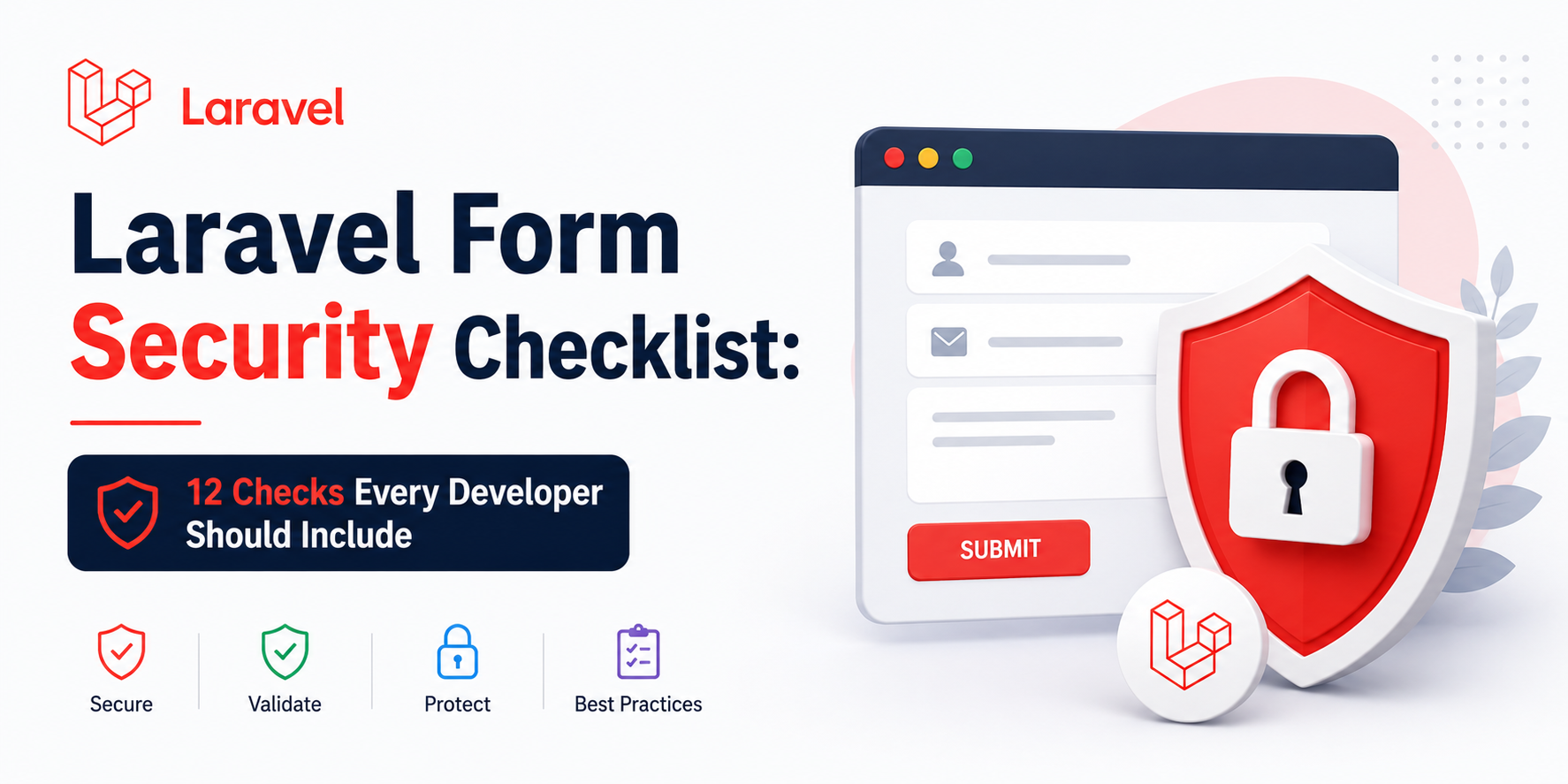
Forms are one of the most common entry points on any web application — contact pages, logins, registrations, checkout, admin panels, and APIs. If a form is not secured properly, attackers can abuse it for spam, data theft, account takeover, or server compromise.
In Laravel, many protections are built in — but security still depends on how you implement each form. This checklist covers the security checks you should include every time you create a form in Laravel.
1. Always use CSRF protection
Cross-Site Request Forgery (CSRF) tricks a logged-in user’s browser into submitting a request they did not intend. Laravel protects against this with CSRF tokens on state-changing requests (POST, PUT, PATCH, DELETE).
What to do:
- Add
@csrfinside every Blade form. - Keep
webmiddleware enabled for browser-based routes. - For AJAX, send the token from the
metatag orX-CSRF-TOKENheader.
<form method="POST" action="{{ route('contact.submit') }}">
    @csrf
    <input type="text" name="name">
    <button type="submit">Send</button>
</form>
Never skip CSRF on public forms just because they are “simple.” Contact forms are a favorite spam target.
2. Validate everything on the server
Client-side validation (HTML required, JavaScript) improves UX, but it is not security. Attackers can bypass the browser and send raw HTTP requests.
What to do:
- Validate in the controller or a dedicated
FormRequest. - Define strict rules: type, length, format, allowed values.
- Return safe error messages (do not leak internal system details).
$validated = $request->validate([
    'name'    => ['required', 'string', 'max:100'],
    'email'   => ['required', 'email', 'max:255'],
    'message' => ['required', 'string', 'max:5000'],
]);
Use FormRequest classes for larger forms — they keep controllers clean and make rules reusable.
3. Protect against mass assignment
Mass assignment bugs happen when users submit extra fields (like is_admin or role) that get saved unintentionally.
What to do:
- Set
$fillableor$guardedon every Eloquent model. - Only pass validated data to
create()/update(). - Never use
$request->all()directly for database writes.
// Good
ContactSubmission::create($validated);

// Risky
ContactSubmission::create($request->all());
4. Escape output to prevent XSS
Cross-Site Scripting (XSS) happens when user input is rendered as HTML/JavaScript in the browser.
What to do:
- Use
{{ $value }}in Blade (auto-escaped) for untrusted content. - Avoid
{!! $value !!}unless content is sanitized. - Sanitize rich text before rendering if you allow HTML (blog posts, CMS content).
<!-- Safe -->
<p>{{ $submission->message }}</p>

<!-- Dangerous for user input -->
<p>{!! $submission->message !!}</p>
5. Use authorization, not just authentication
Authentication answers: Who are you?
Authorization answers: Are you allowed to do this?
What to do:
- Check permissions with
$this->authorize(), policies, or gates. - Do not rely only on hiding buttons/links in the UI.
- Verify record ownership (e.g. user can only edit their own data).
public function update(UpdatePostRequest $request, Post $post)
{
    $this->authorize('update', $post);

    $post->update($request->validated());
}
6. Secure file uploads properly
File upload forms are high risk if you accept any file type or store uploads inside public/ without checks.
What to do:
- Validate MIME type, extension, and max file size.
- Rename files (do not trust original filenames).
- Store outside public when possible; serve via controlled routes.
- Scan/disallow executable types (
.php,.exe,.svgwith script content, etc.).
$request->validate([
    'avatar' => ['nullable', 'image', 'mimes:jpg,jpeg,png,webp', 'max:2048'],
]);

$path = $request->file('avatar')->store('avatars', 'public');
7. Add rate limiting (throttling)
Public forms should be rate limited to reduce spam and brute-force attempts.
What to do:
- Use route throttling middleware (
throttle). - Apply stricter limits on login, OTP, password reset, and contact endpoints.
- Log repeated abuse attempts if needed.
Route::post('/contact/submit', [ContactController::class, 'submit'])
    ->middleware('throttle:5,1')
    ->name('contact.submit');
This example allows 5 submissions per minute per IP/user.
8. Use CAPTCHA or bot protection on public forms
Rate limiting alone may not stop distributed bots. CAPTCHA or similar checks help on contact and registration forms.
What to do:
- Add CAPTCHA for anonymous public forms.
- Validate CAPTCHA server-side (never trust frontend-only checks).
- Consider honeypot fields as an extra low-friction layer.
9. Avoid exposing sensitive errors
Detailed stack traces help developers — and attackers.
What to do:
- Set
APP_DEBUG=falsein production. - Show user-friendly form errors only.
- Log technical details internally.
10. Use HTTPS everywhere
Forms sent over HTTP can be intercepted (passwords, tokens, personal data).
What to do:
- Force HTTPS in production.
- Set secure cookie flags (
SESSION_SECURE_COOKIE=true). - Use
URL::forceScheme('https')when appropriate.
11. Sanitize and normalize input
Validation checks format; sanitization prepares data safely.
What to do:
- Trim strings (
trimrule). - Normalize email (
lowercaserule). - Reject unexpected null bytes / control characters in text fields.
- Store only what you need (data minimization).
'email' => ['required', 'email', 'max:255', 'lowercase'],
'name'  => ['required', 'string', 'max:100', 'trim'],
12. Log, monitor, and test your forms
Security is not “set and forget.”
What to do:
- Log failed login attempts and suspicious submissions.
- Test with invalid payloads, oversized input, and missing CSRF token.
- Run dependency updates and security patches regularly.
- Review form endpoints during code reviews.
Quick checklist before you deploy
| Check | Done? |
|---|---|
| CSRF token added | ☐ |
| Server-side validation rules defined | ☐ |
| Mass assignment protected | ☐ |
| Output escaped / sanitized | ☐ |
| Authorization checks added | ☐ |
| File uploads restricted | ☐ |
| Rate limiting enabled | ☐ |
| CAPTCHA / bot protection (public forms) | ☐ |
| Production debug disabled | ☐ |
| HTTPS enforced | ☐ |
Final thoughts
Laravel gives you excellent security tools out of the box — but forms are only as secure as your implementation. If you include CSRF protection, strict server-side validation, proper authorization, safe output handling, and upload controls, you close the majority of real-world form vulnerabilities.
Before launching any new form — contact, login, checkout, or admin — run through this checklist once. It takes a few minutes and can save days of incident response later.
Building a Laravel app and want forms done securely from day one? Get in touch — I help businesses build secure web applications with Laravel, from contact forms to full admin systems.