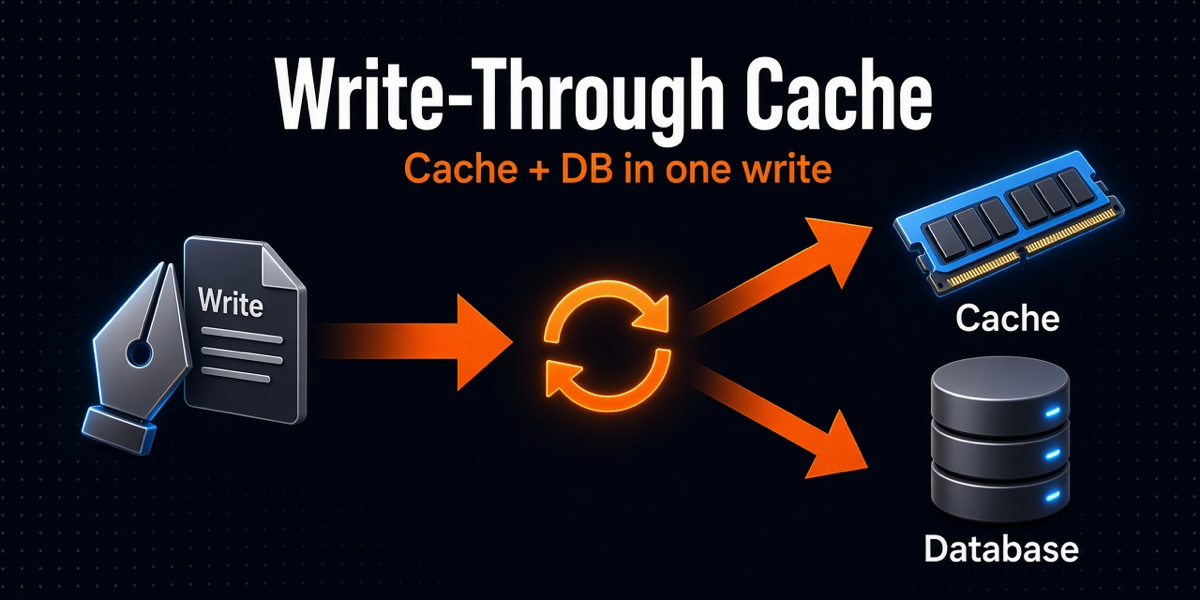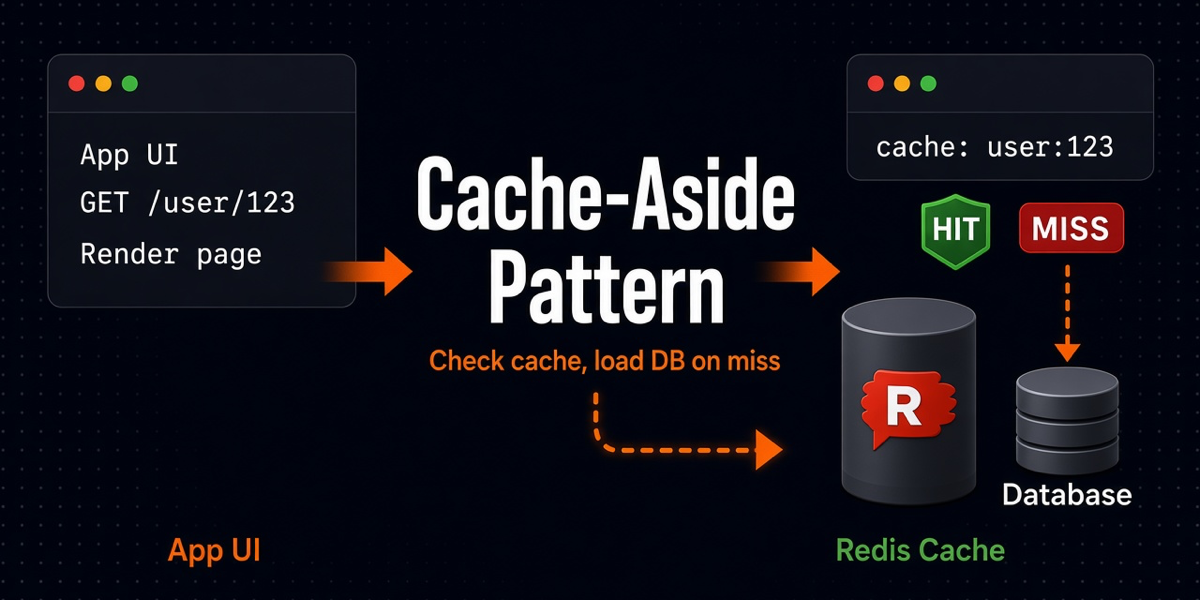

Series — 7 Cache Patterns (2 of 8). Previous: cache-aside. This post covers read-through. Next: write-through. Overview hub publishes last.
Introduction
In cache-aside, your application code checks the cache, and on a miss it queries the database and fills the cache. That works well—but loading logic can scatter across services, controllers, and jobs.
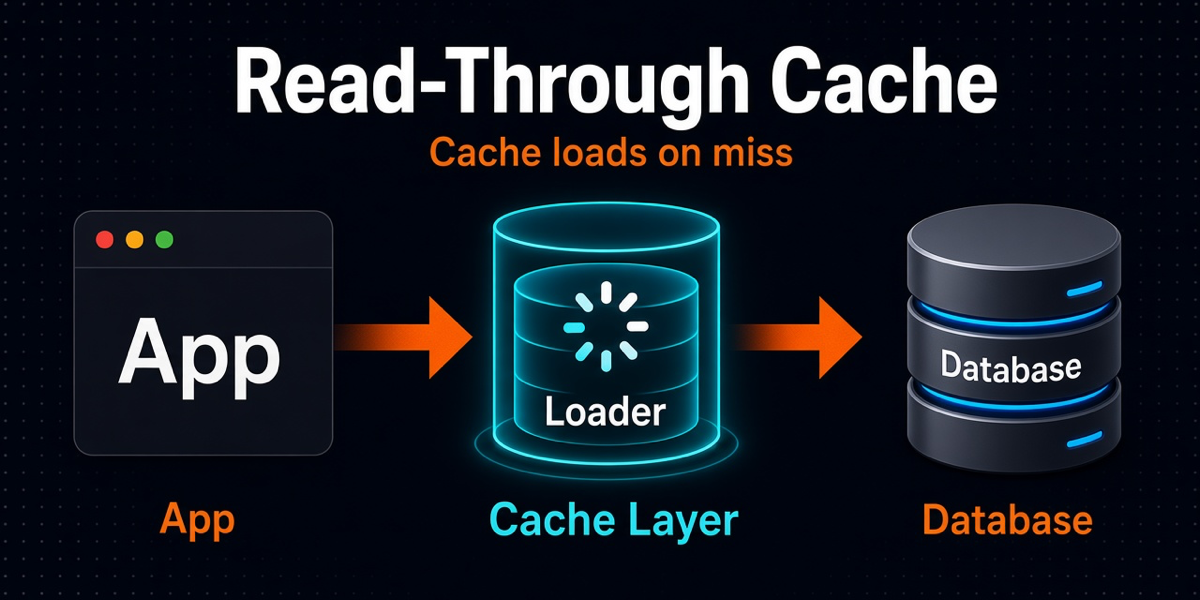
Read-through flips the responsibility: the cache layer loads from the database when a key is missing. The application only says “get me this key.” It never writes the miss-fill path by hand. Libraries like Caffeine’s LoadingCache are built for this.
This guide explains read-through with diagrams, a real “app settings” example, when to choose it over cache-aside, and practical implementation sketches.
What is read-through?
Read-through means:
- The app asks the cache for a key.
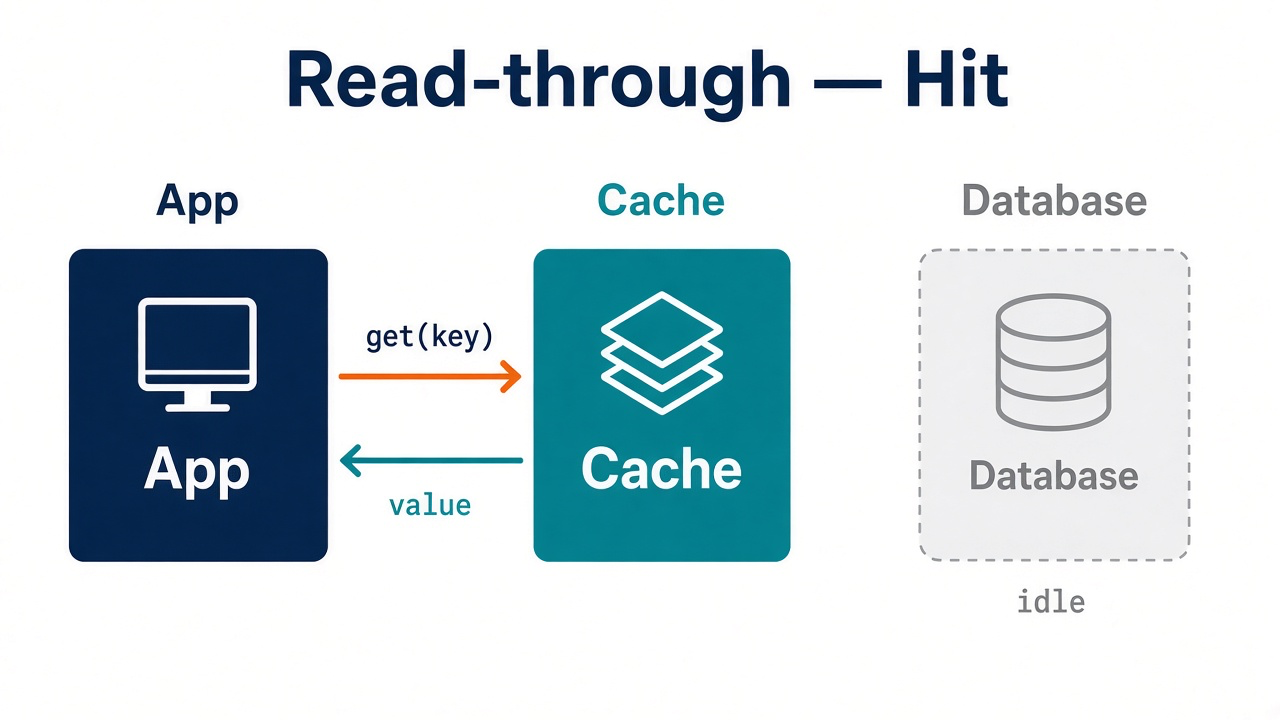
- If the value exists → return it (hit).
- If it is missing → the cache (via a loader you registered once) reads the database, stores the value, and returns it.
From the app’s point of view, there is only one API: get(key). Miss handling lives in one place—the loader.
Diagram: app only talks to the cache
Hit
Miss (loader runs inside the cache layer)
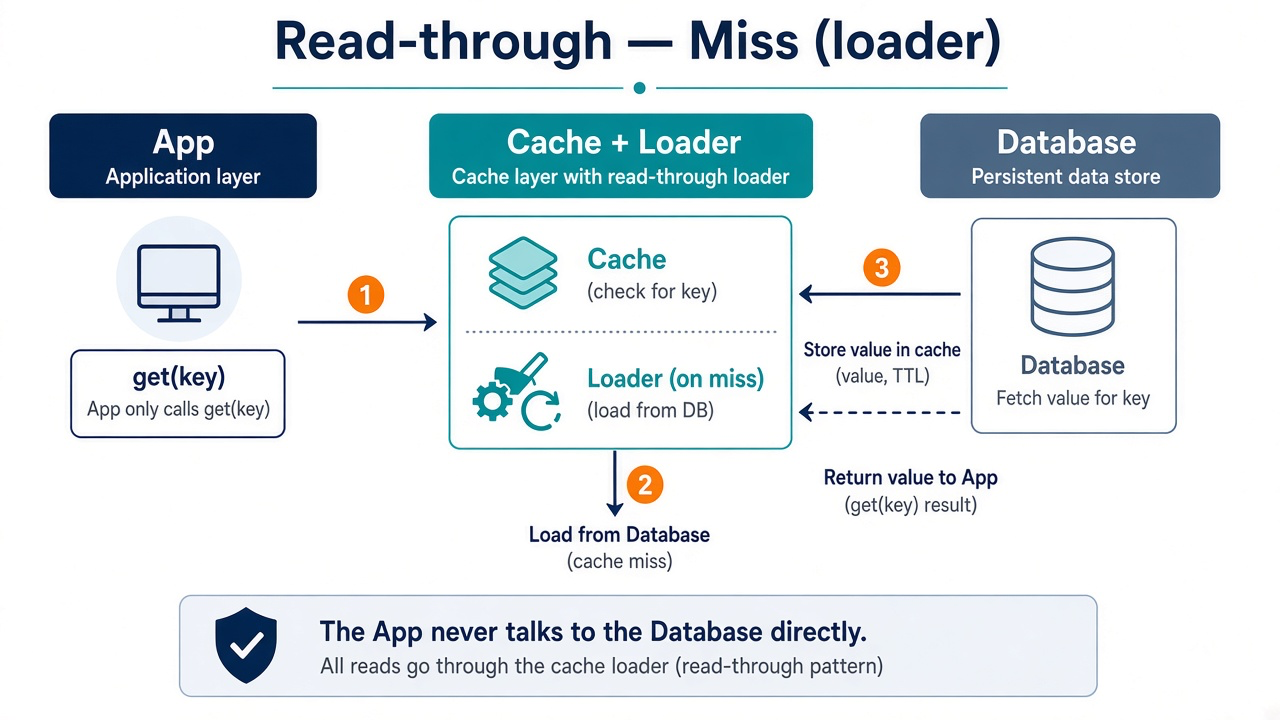
Compare with cache-aside: there the app would call the DB, then call set on the cache. Here the app never sees that branch.
Real-world example: tenant / app settings
Many SaaS apps load settings on almost every request:
feature.checkout_v2enabled?- Default currency, support email, branding colors
- Per-tenant flags stored in a
settingstable
Dozens of classes need the same values. If each class does its own Cache::remember, you duplicate keys and loaders. Read-through keeps one loader:
- Register: “for key
settings:{tenantId}, run this DB query.” - Anywhere in the app:
$settings = settingsCache.get(tenantId). - First caller pays for the DB read; everyone else hits the cache.
- When an admin saves settings, you invalidate that key (or refresh it).
This is ideal when loading code should live in one place and many call sites just need “give me the value.”
How to implement it
Caffeine LoadingCache (classic read-through)
LoadingCache<String, TenantSettings> settingsCache = Caffeine.newBuilder()
    .maximumSize(10_000)
    .expireAfterWrite(Duration.ofMinutes(5))
    .build(tenantId -> settingsRepository.findByTenantId(tenantId));

// App code — no miss handling here
TenantSettings settings = settingsCache.get(tenantId);
On a miss, Caffeine calls the lambda, caches the result, and returns it. That is read-through.
Laravel-style read-through wrapper
Laravel’s Cache facade is cache-aside by default, but you can wrap it so call sites look like read-through:
class SettingsCache
{
    public function get(int $tenantId): TenantSettings
    {
        return Cache::remember(
            "settings:{$tenantId}",
            now()->addMinutes(5),
            fn () => TenantSettings::query()
                ->where('tenant_id', $tenantId)
                ->firstOrFail()
        );
    }

    public function forget(int $tenantId): void
    {
        Cache::forget("settings:{$tenantId}");
    }
}

// Controllers / jobs only talk to SettingsCache
$settings = app(SettingsCache::class)->get($tenantId);
Under the hood this still uses remember (cache-aside mechanics), but architecturally it is read-through: callers never touch the DB or raw cache keys. That is the practical way to get the same benefit in Laravel.
Invalidate after admin updates
public function update(Request $request, int $tenantId)
{
    // ... save settings to DB ...

    app(SettingsCache::class)->forget($tenantId);

    return back()->with('status', 'Settings saved');
}
Read-through vs cache-aside
| Cache-aside | Read-through | |
|---|---|---|
| Who loads on miss? | Application code | Cache / loader |
| Call sites | Often repeat remember/query logic | One loader; many simple gets |
| Best when | Custom load logic per feature | Same load path reused everywhere |
| Typical tools | Laravel remember, Spring @Cacheable | Caffeine LoadingCache, custom cache service |
They are cousins. Read-through is mostly about where the miss logic lives and how clean call sites stay.
When to use read-through
- You want loading code in one place (settings, permissions, rate-limit configs, reference data)
- Many modules need the same keys with the same TTL rules
- You use an in-process cache (Caffeine, Guava) with a built-in loader API
- You want junior-friendly call sites: “just call get”
When not to use it
- Load logic is highly custom per request (joins, user-specific shaping, A/B variants)—cache-aside in the use-case may be clearer
- You need fine-grained “sometimes skip cache” paths scattered in business logic
- Write path must stay perfectly in sync on every update—pair with write-through or careful eviction
- Hot-key stampedes at expiry—still add request coalescing (Caffeine often helps here for in-process loads)
Common mistakes
- Loader that is slow and unbounded — a read-through loader that does heavy reports will block every miss; keep loaders small
- Caching mutable entities without eviction — same stale-data risk as cache-aside
- Hiding DB failures — decide how loader errors surface (fail the request vs short negative cache)
- Giant in-process caches — Caffeine is per JVM/node; multi-server apps still need Redis (or accept per-node warm-up)
How to verify it works
- Cold start: first
gethits the DB (or repository). - Second
getfor the same key does not. - Update settings + invalidate: next
getloads again. - Confirm no other class queries
settingsdirectly for the same data.
Summary
Read-through = the app only talks to the cache; on a miss the cache loads from the database. Use it when you want one loader and many clean call sites—settings, flags, and shared reference data are classic fits. Caffeine LoadingCache is the textbook API; in Laravel, a small cache service around remember gives you the same architecture.
Next: Write-through — every write updates cache and database together.